Design a part.
Describe a wall bracket. The session writes it as Python in your repository, builds it and puts it on screen. Draw a circle on a face and say "a hole here, 5 mm". It reads what you drew and builds again.
- CAD mode
- Claude Code
How it goes
- Step 1
Start a session in CAD mode on a repository folder.
Step 2Press the chip in the session header to add the design skill, and set up CAD mode the first time. Turret downloads what CAD mode needs once per machine.
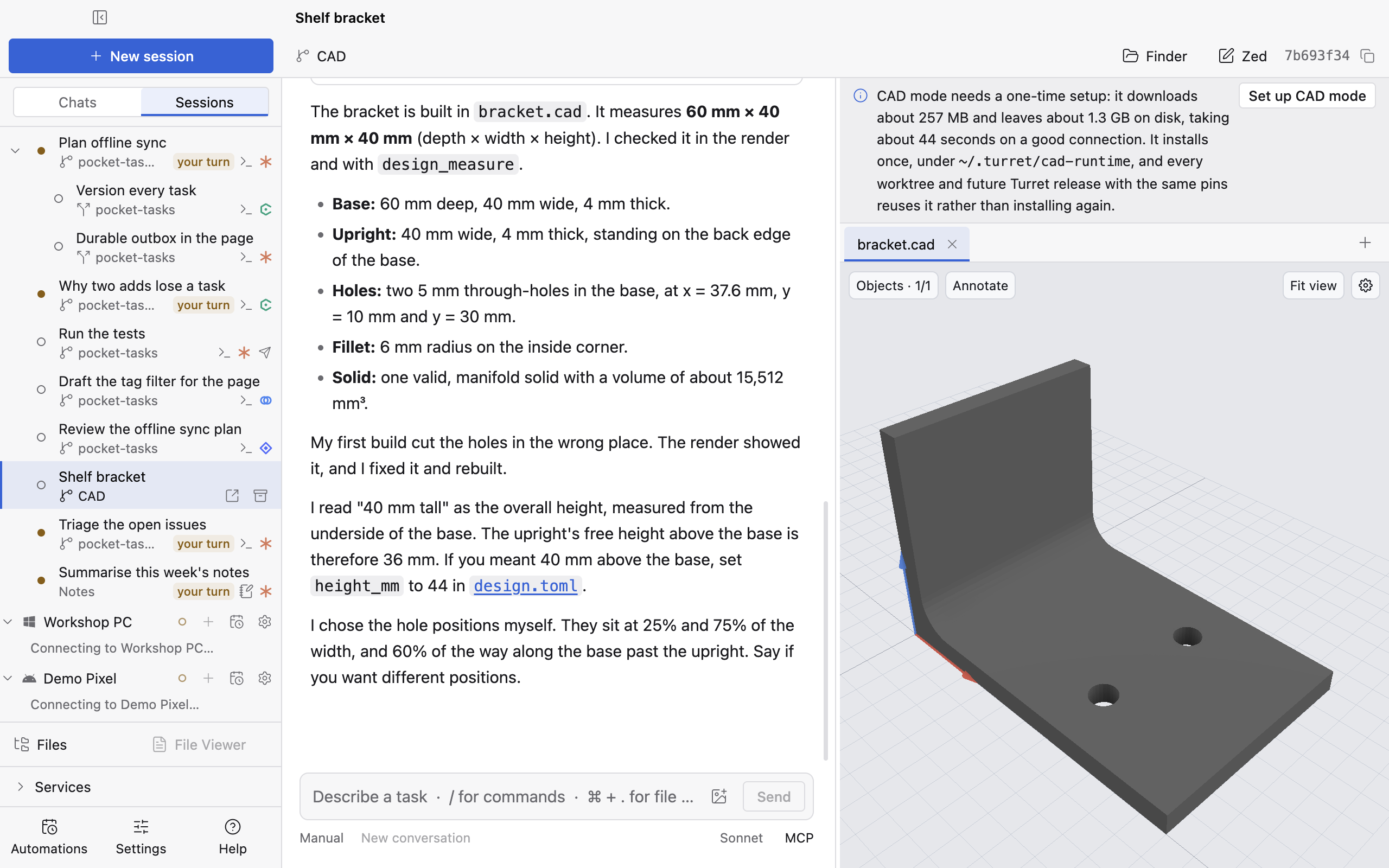
The design skill chip and the Set up CAD mode band. - Step 3
Describe the part. The session writes the design, builds it, and opens it in the viewer.
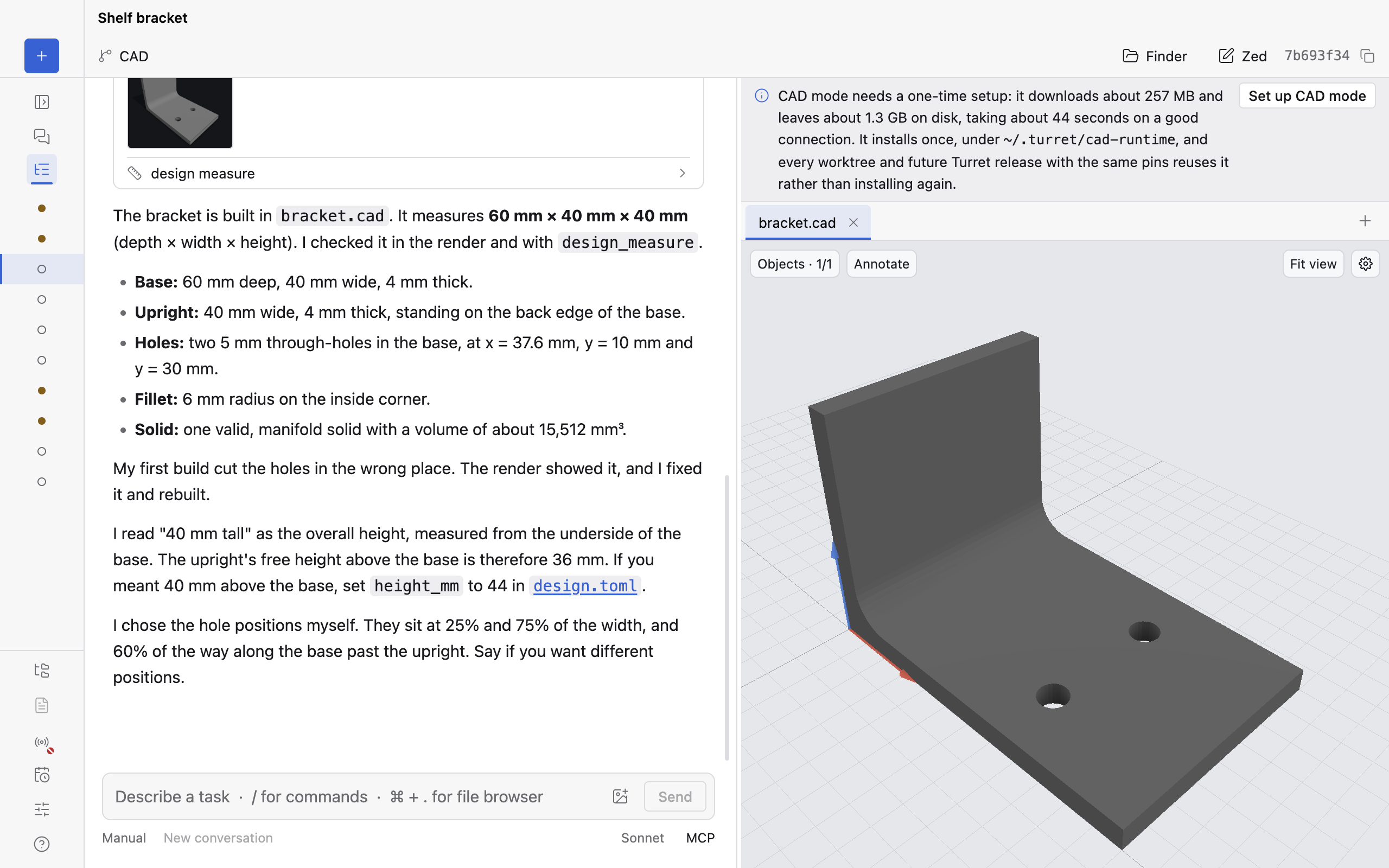
The bracket's first build. - Step 4
Turn the part around. Press Annotate, click a face and draw a circle on it.
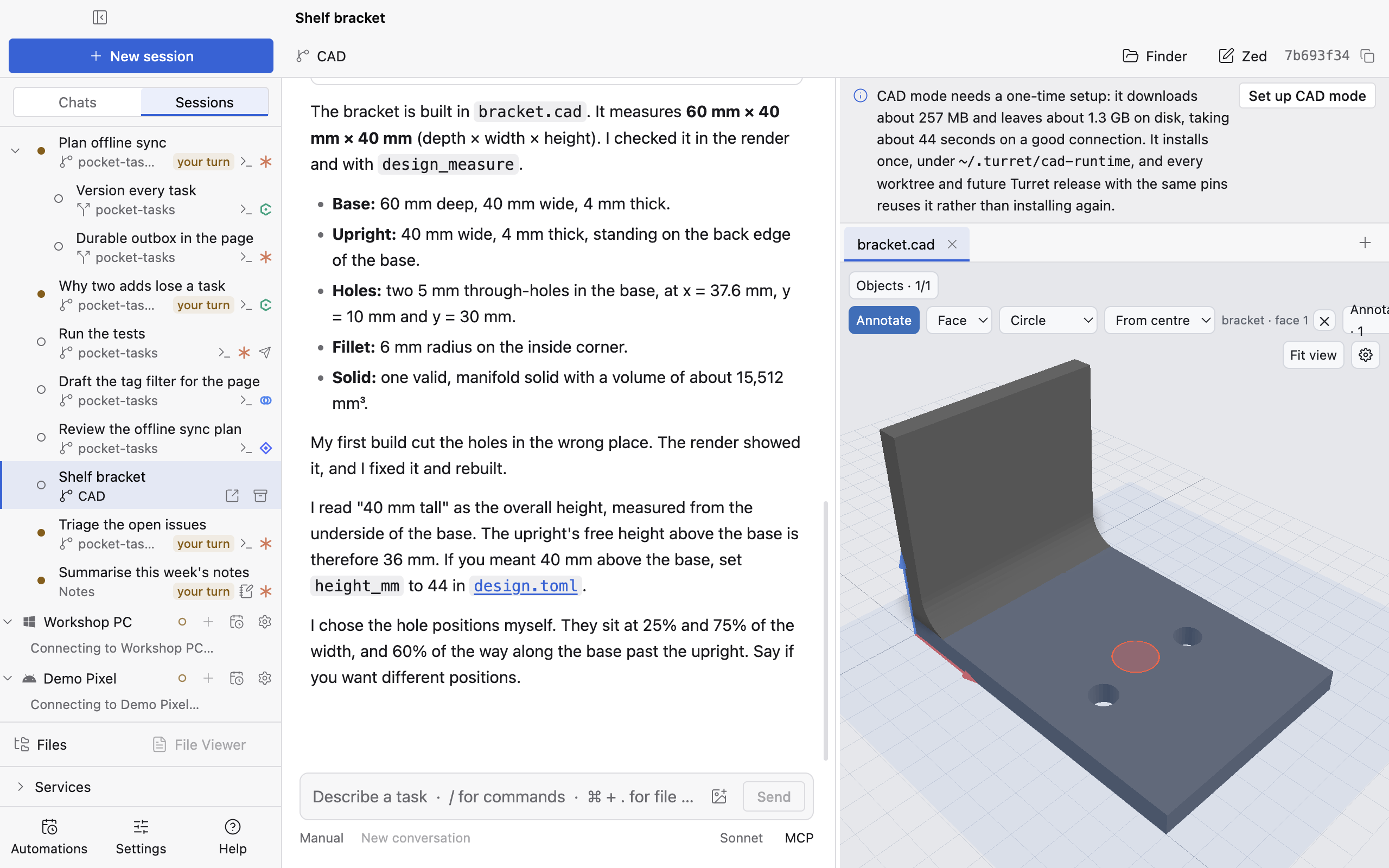
A circle drawn on a face. - Step 5
Ask for a change: "Put a 5 mm hole where I drew." The session reads your circle, its face and its position, changes the design and builds again. The viewer updates.
Step 6Ask for a measurement. The session reads exact sizes from the build.
Still 29The bracket rebuilt with the hole where the circle was drawn. Window 1280 × 800 at 2×. Light and dark.The bracket, rebuilt with the hole.


Every build writes its files into the design's build/ folder in your repository. CAD mode stops at the geometry. It doesn't slice or print.
CAD mode runs on macOS on Apple silicon, Windows x64 and Linux x64.
More use cases
Let it drive the desktop
A session works an app with no API by looking at the screen and clicking.
Ship a feature with a team of agents
One session writes the plan. Child sessions take a phase each, every one in its own worktree, and one of them runs on Codex.
Let it work overnight
An automation triages the issues every night. In the morning, its runs are waiting to be read.